
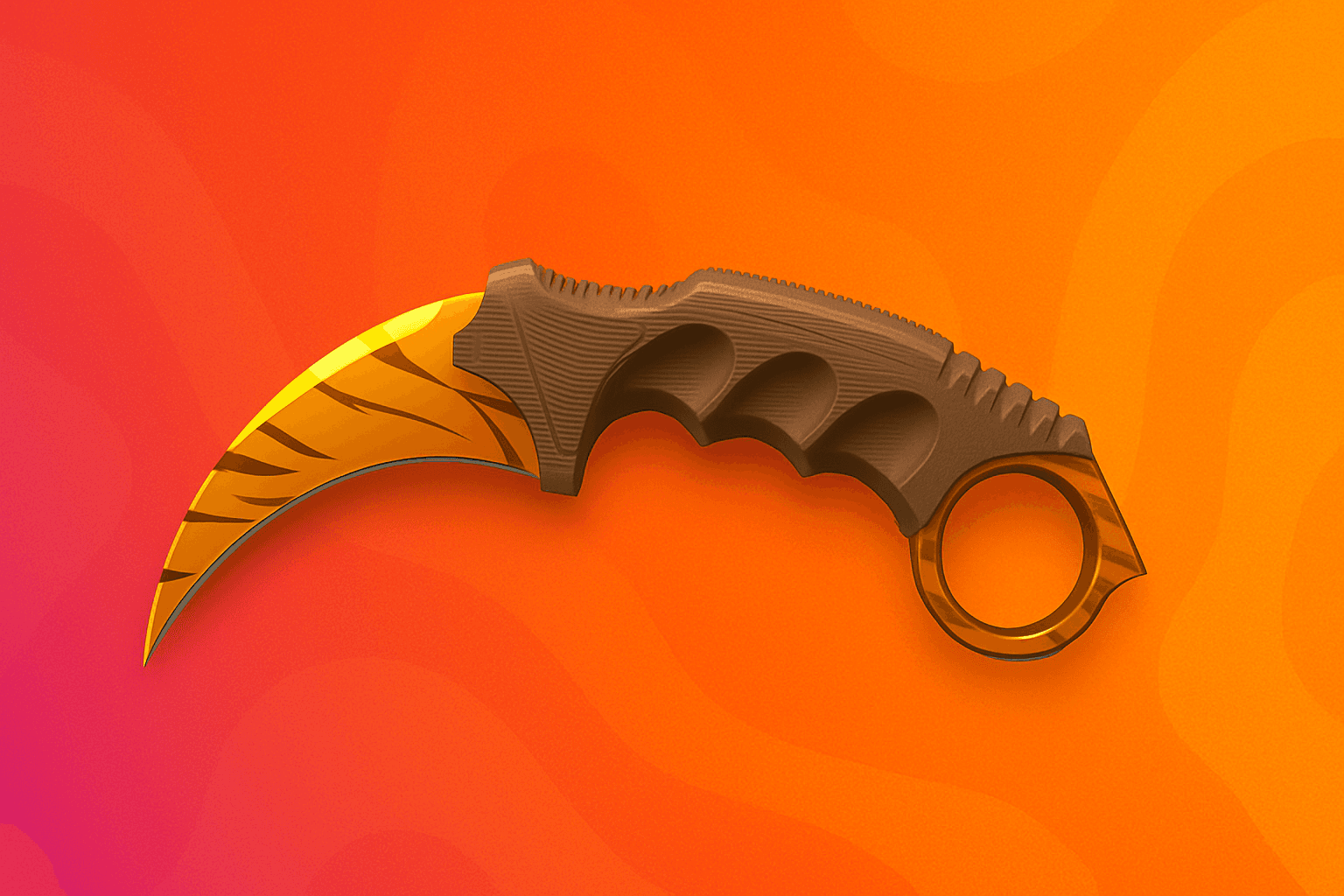
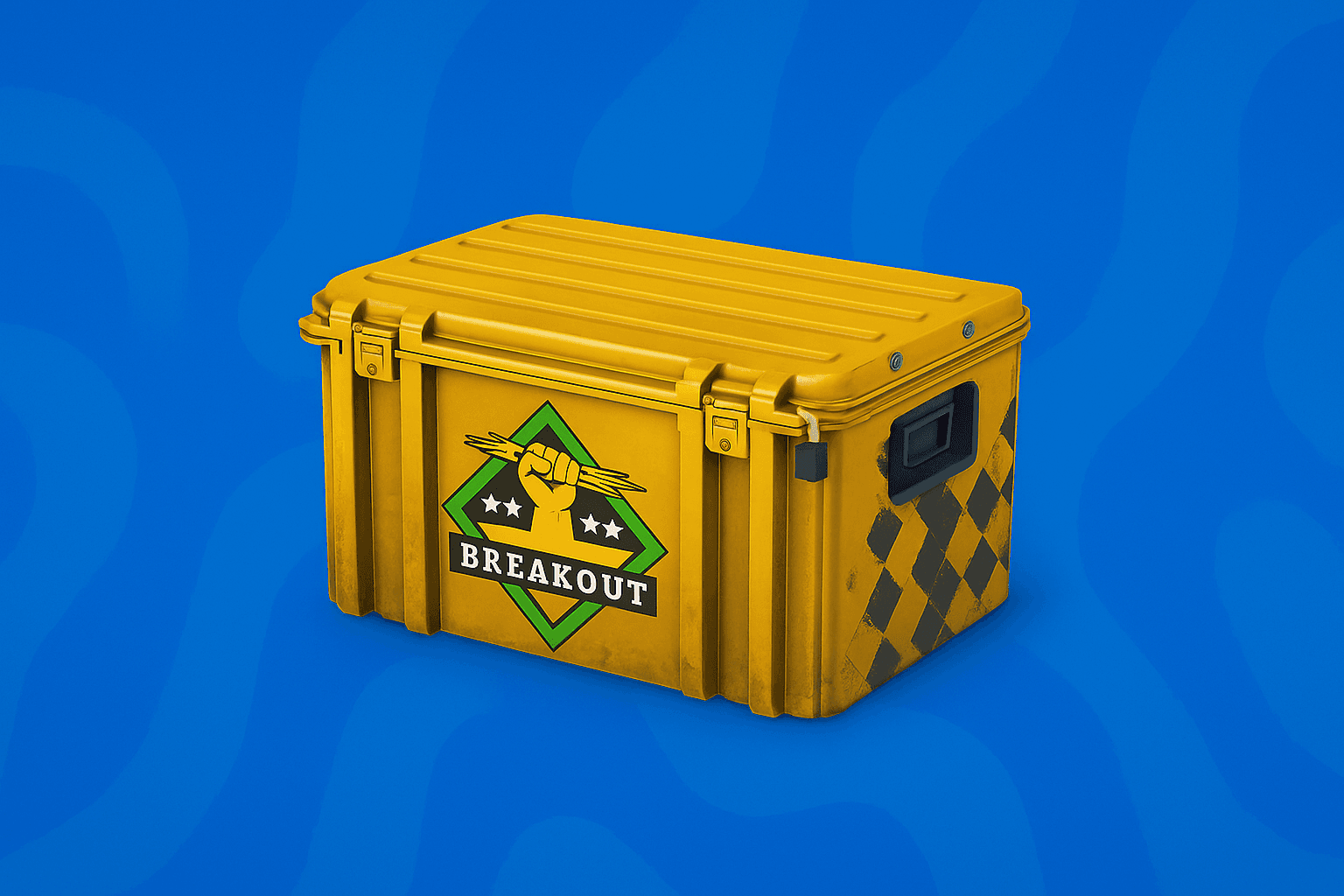
Factory New

$147.70−7%
Reference priceRef. $159.11
0.025242632254

No bots, no middleman. The skin goes straight to the buyer and you get paid once the sale completes.

Reference priceRef. $159.11
Reference priceRef. $44.92
Reference priceRef. $5.81
Reference priceRef. $5.81
Reference priceRef. $4.99
Reference priceRef. $4.99
Reference priceRef. $4.99
Reference priceRef. $4.99
Fees, delivery and support: what you need to know at a glance.
Sellers send items straight to buyers on Steam. Payment goes to the seller once the buyer accepts the trade; if the item never arrives, the buyer gets their money back.
We take 5% of the sale price, nothing more. Buyers pay no fee, there's no withdrawal fee, and the rate is the same for everyone.
Fee calculator
Most answers are in the FAQ. If yours isn't, open a ticket and we'll reply within 24 hours.
On listings of $30 or more, you can make an offer. Sellers set the maximum discount they'll take, then accept or decline. Offers stay open for 24 hours.
Items never sit in a bot account. Once the seller accepts, they send it straight to you.
The item comes straight from the seller to you. The money moves to the seller once Steam confirms the trade.
The amount is held from your balance and the seller is notified.
The seller confirms the sale on the site. If they don't, you can cancel with no penalty.
The seller sends you the item with a Steam trade offer.
Make sure the offer holds the item you bought, then accept it on Steam.
 5 · TradeFrogs
Once Steam's trade protection ends, the seller can withdraw the income.
Every question and answer is on the FAQ page. If yours isn't there, open a support ticket and we'll reply within 24 hours.
All questionsYes. You can withdraw your sales income to your bank account. The Withdrawals section explains how.
There's no withdrawal fee.
The amount returns to your balance automatically. You can buy another item with it or ask support for a refund to your card. Card refunds take 5–10 business days and are usually only possible if the deposit hasn't been spent on the site. The seller who didn't deliver is fined.
The sell page shows the rules the first time you open it. To sell you need:
No phone number is required.
You deposit with a Visa, Mastercard or American Express card through Stripe. Pick a preset amount ($25, $50, $100, $250, $500) or enter your own. Before paying you agree to the Terms of Service and the Refund Policy.
Withdrawals go to bank accounts only. You can withdraw to bank accounts in countries where Stripe supports payouts; the money arrives in your account's local currency, converted by Stripe. If your country isn't supported for payouts, you can still buy and sell, but you can't withdraw.


